
ChatAI
A downloadable tool for Windows
🚀 ChatAI – Your AI, Your Rules! 🛠️
Say goodbye to cloud-based AI and hello to total privacy! ChatAi is a powerful, self-hosted AI tool that lets you create stunning content on your own PC – no internet required! 🎉
🌟 What Can You Do with ChatAi?
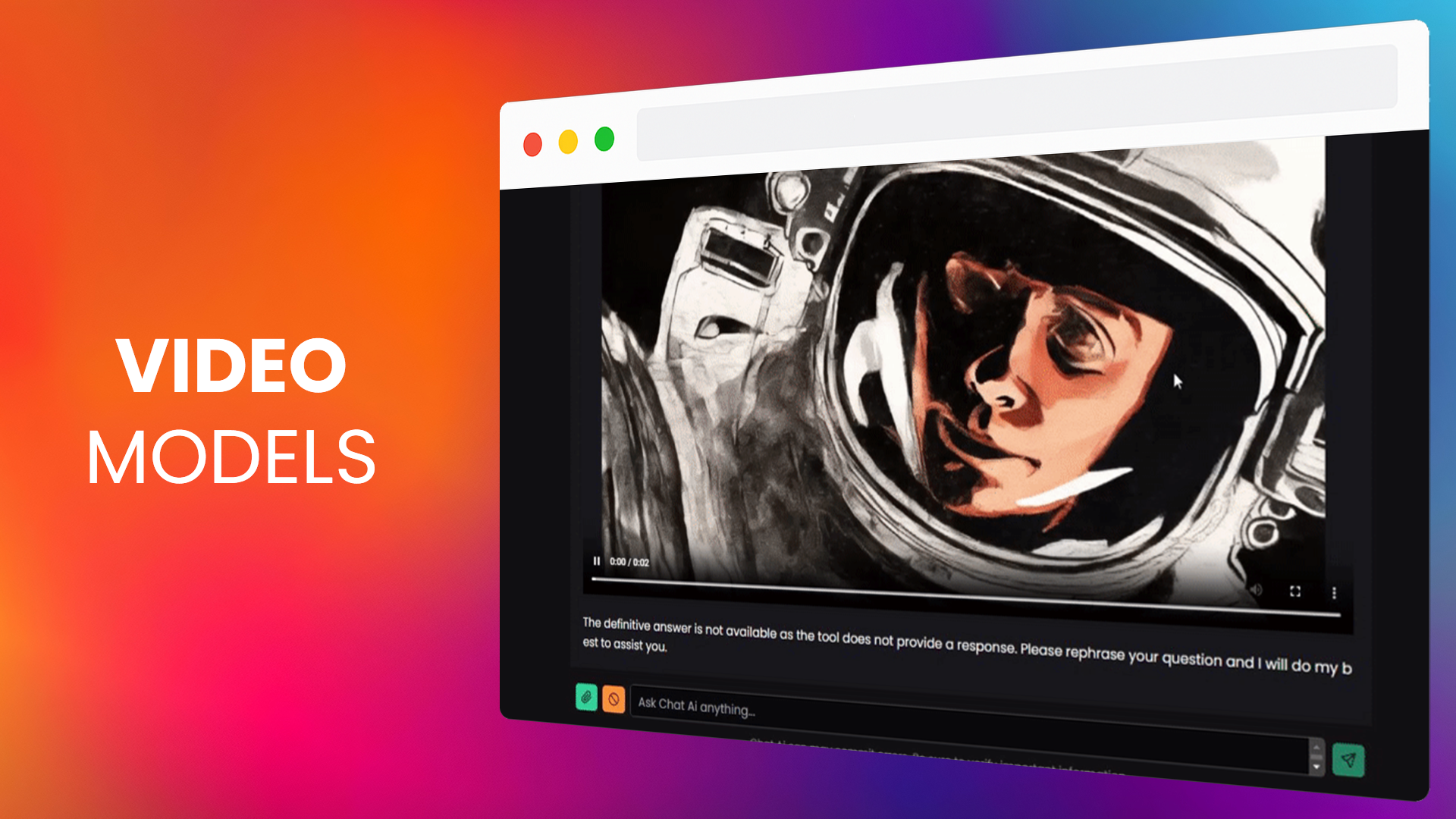
- 🎨 Create Breathtaking Images & Videos – Bring your ideas to life effortlessly!
- 🎵 Generate Music & Sound Effects – Compose original tunes and immersive sounds in seconds.
- 🗣️ Clone & Customize Voices – Make any text speak with ultra-realistic voices!
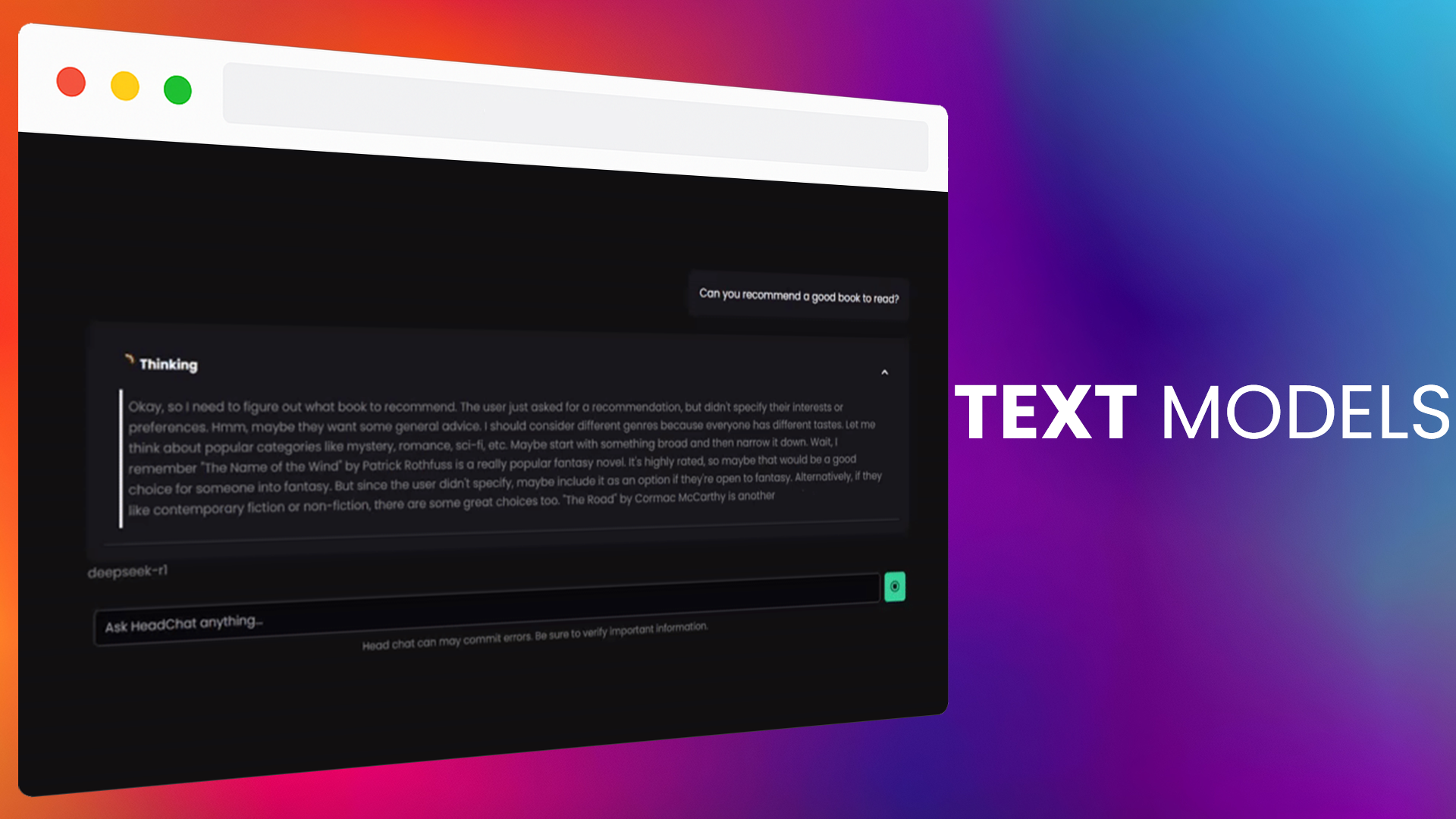
- 📝 Write & Chat with AI – Smart, instant responses tailored to you.
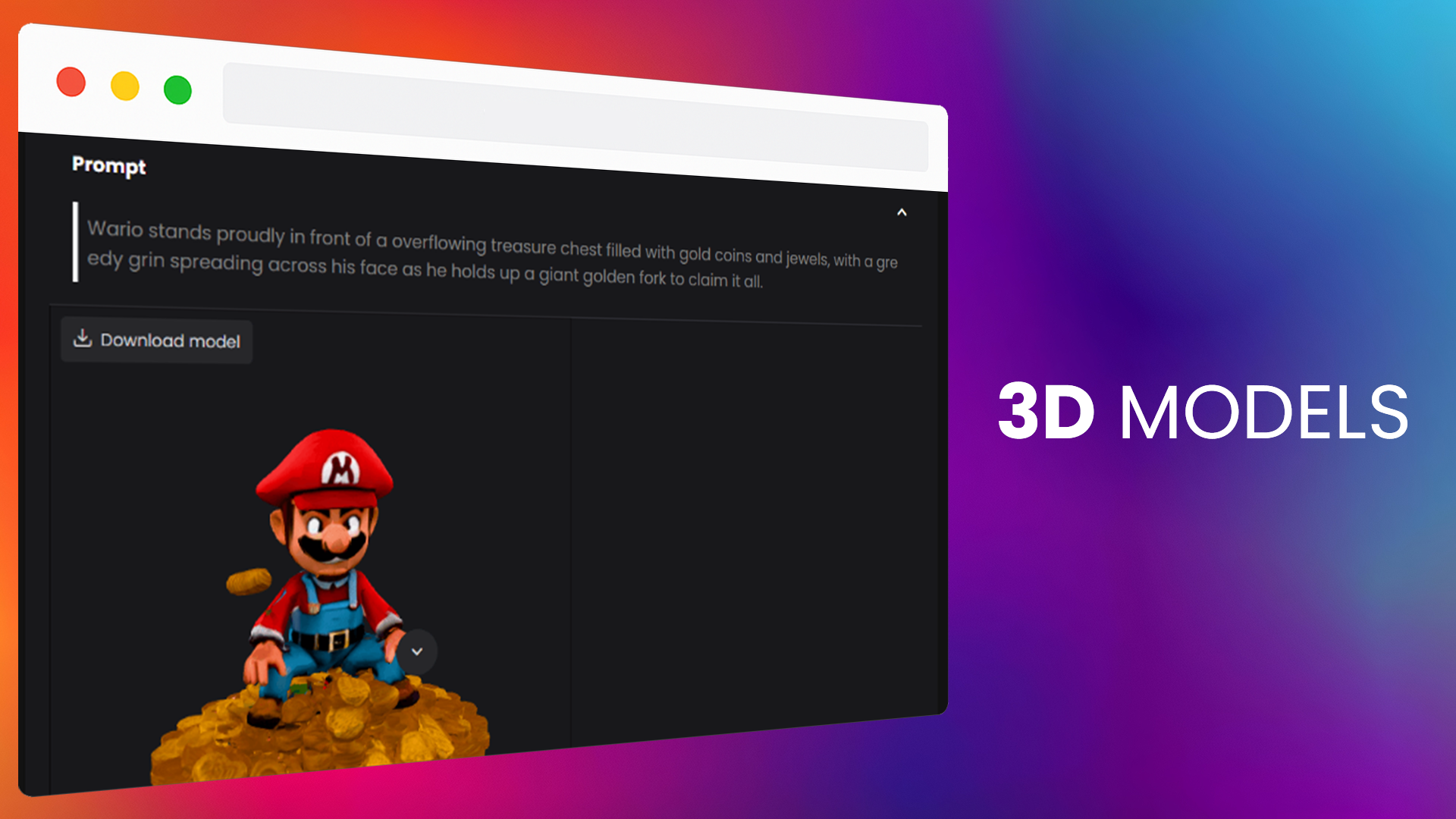
- 🏗️ Generate 3D Models – Design incredible objects with AI assistance.
🔒 Why Choose Chatai?
- ✅ 100% Private & Offline – No data tracking, no internet required!
- ✅ Easy to Use – Simple setup, no technical skills needed!
- ✅ Customizable for Your Needs – Install only the tools you want.
ChatAI vs. Competitors Comparison
| Feature | ChatAI | ChatGPT | Deepseek | LLM Studio |
|---|---|---|---|---|
| 100% Private & Offline No cloud dependency or external servers; data remains on your device. |
Yes | No (Cloud-based) | No (Cloud-based) | Yes |
| Networked & Multi-Device Usage Run as a server for access from multiple devices (even your phone) at home or away. |
Yes | Yes (via cloud) | Yes (via cloud) | No |
| Advanced Text Generation Create stories, dialogues, and written content with complete personalization and no censorship. |
Yes | Yes (Restricted) | Yes (Restricted) | Yes |
| Image & Video Generation Create images from descriptions, convert images into videos, and upscale for better quality. |
Yes | Limited (via paid tiers) | No | No |
| Music & Sound Effects Generation Create personalized music and realistic sound effects; export audio for projects. |
Yes | No | No | No |
| Voice Cloning & TTS Convert text to ultra-realistic speech and clone voices for personalized content. |
Yes | Limited (via paid tiers) | No | No |
| 3D Model Generation Create 3D models for design and game development seamlessly. |
Yes | No | No | No |
| Advanced Content Sharing Export entire conversations (text, images, audio, 3D models, etc.) in a single Base64 file. |
Yes | No | No | No |
| Modular & Customizable Installation Install only the tools you need and enable/disable modules as desired. |
Yes | No | No | Yes |
| One-Time Purchase (No Subscription) Single payment with no recurring fees or membership models. |
Yes | No | No | - |
| Ideal for Multiple User Profiles Designed for writers, artists, game developers, video creators, and privacy-conscious users. |
Yes | Limited (Text-centric) | Limited (Text-centric) | Limited (Text) |
| Ease of Use & Guided Setup User-friendly interface with a wizard for novice users. |
Yes | - | - | No |
| Optimized Performance & Resource Efficiency Efficient use of system resources with modular installation to avoid unnecessary overhead. |
Yes | Yes (Cloud-optimized) | No | No |
It also includes visual support for reading images and text files (PDF, DOCX, TXT, etc.).
You need an NVIDIA GPU with Fermi architecture or later (GTX 400 series and newer) to support CUDA.
💡 Ready to take control of your AI?
Get ChatAI today and start creating like never before! 🚀
Trello
Purchase
In order to download this tool you must purchase it at or above the minimum price of $9.99 USD. You will get access to the following files:
Development log
- UPDATE 3Aug 31, 2025
- UPDATE 2Aug 29, 2025
- Hotfix 4Jul 17, 2025
- Patch 1Jul 16, 2025
- Installation problemsJul 14, 2025
- Coming update soonJul 14, 2025
- HotFix3Apr 01, 2025

Comments
Log in with itch.io to leave a comment.
I tried to use this but i have some problems when i try to start it on my Windows pc it opens a console and closes the console the same moment. The App does never start and i cant copy the text that pops up in the console because it closes as soon it is loaded.
I would appreciate that those problems were fixed.
If possible i would also like a Linux version of ChatAI.
Thank you for your report!
there is no plans for linux at the moment
For your problem, go to cmd locate in chatai folder, use the next command:
app.exe --verbose
and send me the screenshot
Thanks for the help. This is the error it throws me when i start it with the --verbose. Okay, kind of sad that there is no plan for an Linux version but understandable because it is a lot of work.
Seems you don't have installed python 3.10 (you can install using microsoft store), check the install instructions:
Requirements:
app.exe.Run on Local Network (You can connect from other devices on your same network) or Run Online (You can connect from anywhere):
generateLinks.batfile.app.execalled online and network.Thanks for the help.
it works now on my Windows pc and i also got it to run on Linux with a lot of work. i hope you work more on this because i like this software (from what i did see so far ) keep up the good work!
Thank you! if you can share how your do it with Linux it could be amazing!